
Complete Fire Kirin Download & Installation Guide
Getting Fire Kirin onto your favorite device takes only a few minutes. Whether you use an Android phone, an iPhone, an Amazon Firestick, or a laptop, follow the simple steps below to start playing right away.
How to Download Fire Kirin on Android (APK)?
Because Fire Kirin is a sweepstakes arcade platform, you download it directly from our official website as an APK file.
- Enable Unknown Sources: Required for direct APK installation.
Open your Android settings, tap Security (or Privacy), and turn on Allow installation from Unknown Sources. If you are on a newer phone, simply approve your web browser when prompted. - Download the Official APK File:
Click the Download Android APK button on our website to download the latest, safe file directly to your device. - Install the App:
Open your Downloads folder, tap the Fire Kirin file, and select Install. - Launch & Sign In:
Tap the new Fire Kirin icon on your home screen, log in with your account details, and start playing!
How to Play Fire Kirin on iPhone & iPad (iOS)?
Apple users can enjoy Fire Kirin instantly without downloading large files or jailbreaking their devices.
- Open Safari Browser: Open the official Safari app on your iPhone or iPad.
- Launch the Web Player: Tap the Play Online for iOS link on our home page.
- Add to Home Screen (Optional): Tap the Share button at the bottom of Safari, scroll down, and select Add to Home Screen.
- Instant Access: A Fire Kirin app icon will appear right alongside your other mobile apps for one-tap gaming.
How to Play Fire Kirin on PC, Mac, & Chromebooks?
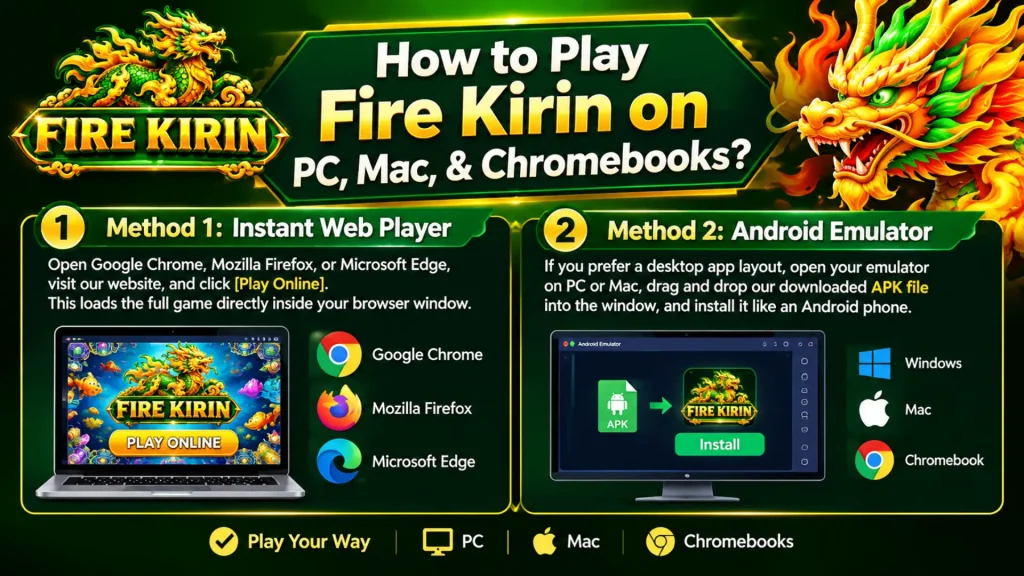
You do not need an Android emulator (like BlueStacks) to play on a computer, though you can use one if you prefer.
- Method 1 (Instant Web Player): Open Google Chrome, Mozilla Firefox, or Microsoft Edge, visit our website, and click [Play Online]. This loads the full game directly inside your browser window.
- Method 2 (Android Emulator): If you prefer a desktop app layout, open your emulator on PC or Mac, drag and drop our downloaded APK file into the window, and install it like an Android phone.
How to Install on Amazon Firestick & Fire Tablets?
Fire Kirin works great on Fire OS devices, giving you big-screen arcade action at home.
- Install the Downloader App: From your Firestick home screen, search for and install the free Downloader app from the Amazon Appstore.
- Allow Unknown Apps: Go to Settings > My Fire TV > Developer Options and turn ON Install Unknown Apps for the Downloader app.
- Enter Website URL: Open Downloader, type in our official website link, and download the Fire Kirin APK.
- Install & Enjoy: Click Install when the download finishes, open the app, and connect your game controller or remote!
Troubleshooting & Safety Tips
Installation Blocked? If your Android device shows a “File Might Be Harmful” popup, tap Download Anyway. Official sweepstakes APKs are safe and checked for malware.
App Keeps Closing? Make sure your device has at least 500 MB of free storage space and a stable Wi-Fi or 4G/5G connection.
Update the App: To ensure smooth gameplay and receive the latest fish table games, always download app updates directly from our official website link.